
Helping make
the internet a
great and safe
place for children and young people
Help & advice
Helpful information and guidance on a range of key online safety topics.
The Childnet Film Competition 2024 is open!
Do you know any young people aged 7-18 who are passionate about film? Can they tell a good story, create animation or inspire positive change? Would they like to make a short film about online safety?
Download brand new interactive resource ReelLife!
An interactive resource to help young people aged 9-14 identify the potential risks of social media.
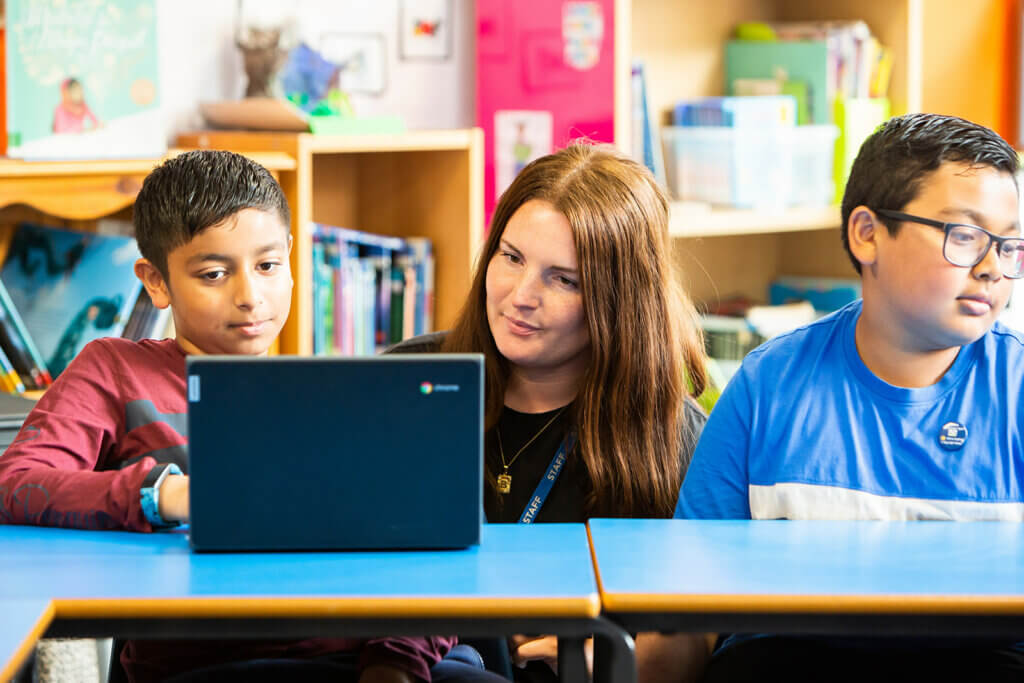
Try out the Childnet Digital Leaders Programme today!
A youth leadership training programme empowering young people to educate their peers about online safety.
Blog
The latest advice and guidance on key online safety issues, as well as information on the latest apps and games.
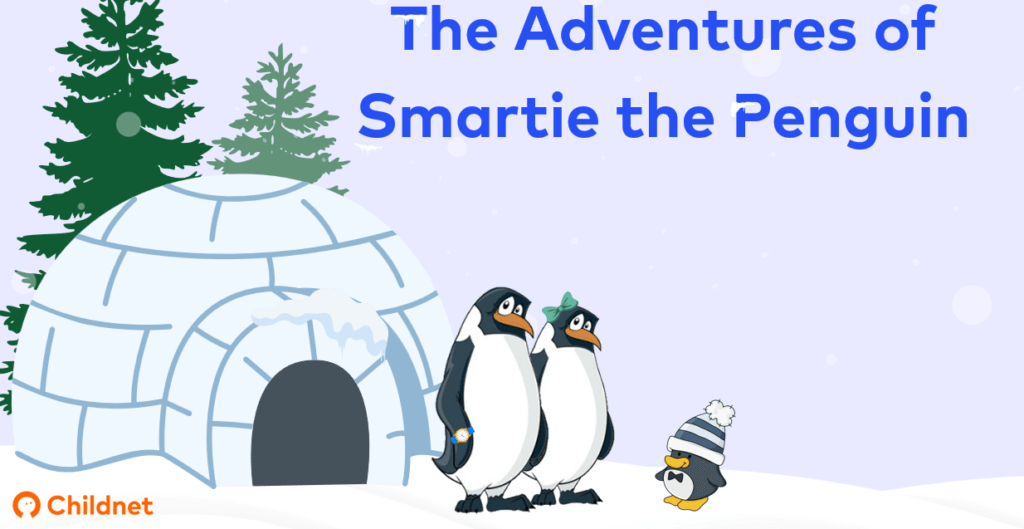
New updates to ground-breaking Smartie the Penguin resources
Take a closer look at the updated Smartie the Penguin resources.

Exciting opportunity to join the Childnet Youth Advisory Board
5 reasons to sign up for the Youth Advisory Board!
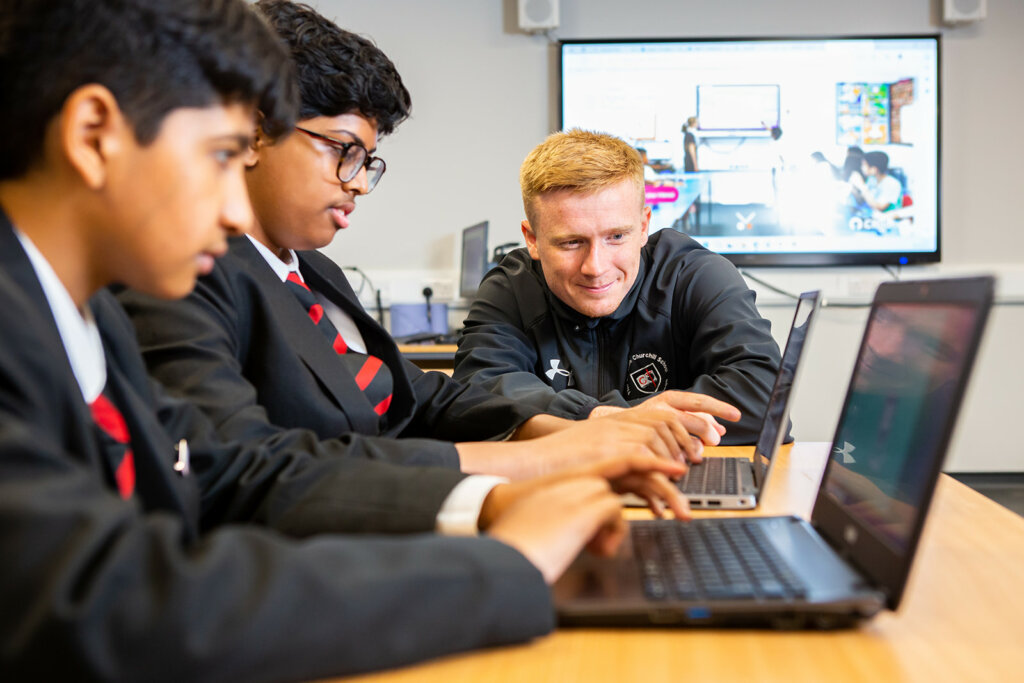
The Unexpected Benefits of Running Digital Leaders in Your Youth Setting
At Childnet, we’ve seen the transformative power of our Digital Leaders Programme. But beyond the obvious benefits of enhancing online safety skills and empowering youth voices, we’ve observed some unexpected advantages that we would like to share with you. One of the most significant benefits is the fostering of an environment of mutual respect and […]
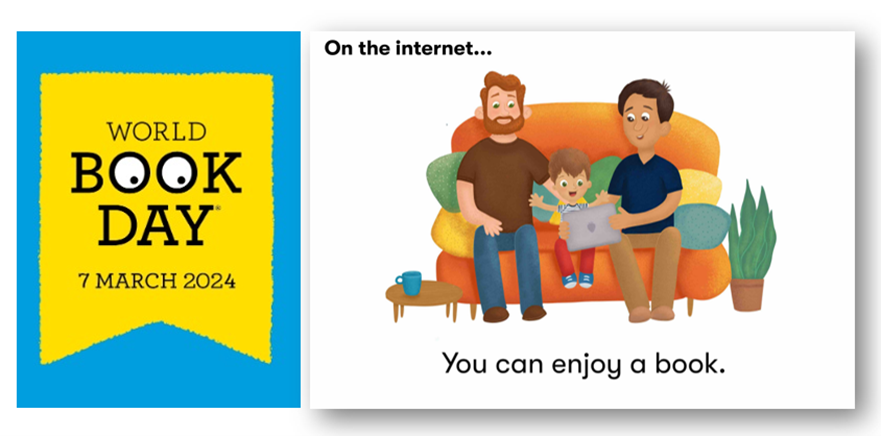
Celebrating World Book Day 2024 with Childnet
At Childnet we have a range of brilliant stories that you can share as a family or within your education setting. All of our books are free to download on our website, and are designed to suit different ages and reading abilities.

Championing youth voice this LGBT+ History Month
To celebrate LGBT+ History Month, Childnet have created a poster for you to download and print for free. The poster is designed to be displayed in the classroom or at home, and can be a great starting point for discussions about the experiences of LGBT+ young people online.
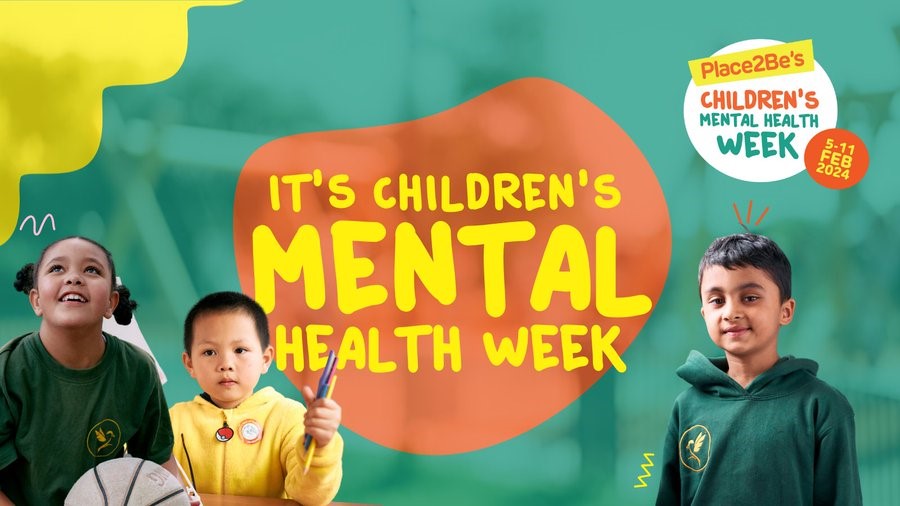
Navigating safe internet use for your children: a child counsellor’s perspective
In this blog Judah Racham, Place2Be’s Programme Leader for Family Work, gives his tips for parents and carers on navigating online safety.
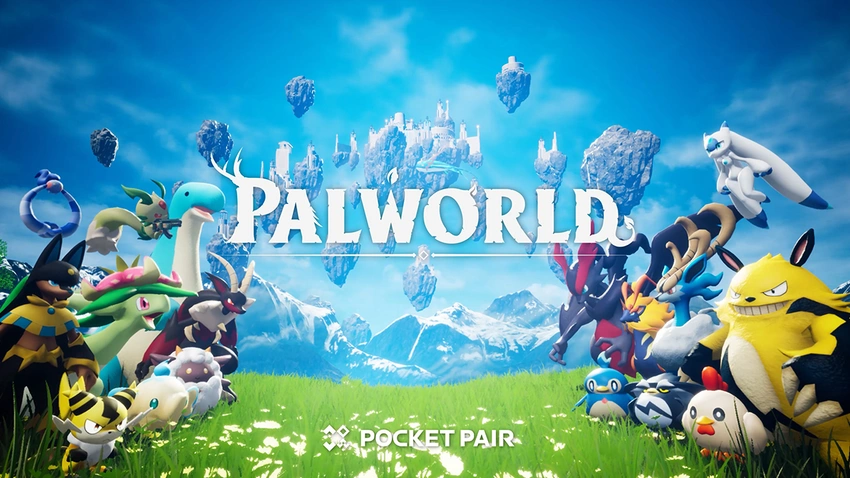
What do I need to know about Palworld? A guide for parents and carers
Palworld sold eight million units in the first six days of early access, and reached two million players on Steam, making it the second-highest played game of all time on the platform.
Youth Advisory Board - January Update
At the residential in October, the Childnet Youth Advisory Board developed ideas for a new educational resource tackling the issue of reliability online. In the latest blog, Maximilian reflects on the residential, talks through the board’s ideas, and how it feels to see the resource coming together.

Help Young People Overcome Online Bullying: Guide for Parents
Parents and carers play an important role in guiding young people to recognise and respond to online bullying. Cyberbullying often happens on personal devices that young people have continuous access to. This means it can happen anywhere and at any time, so it can feel like it’s hard to escape. Here we give carers some […]

Meta makes Messenger End to End Encrypted (E2EE)
Childnet is opposed to Meta’s move to make Messenger conversations end-to-end encrypted (E2EE), as well as the intention to make the same step to Instagram direct messaging. The intention was outlined by Meta several years ago and it is controversial, even though E2EE services are popular, valued and provide high levels of privacy to their […]
Popular resources
Free resources to help you teach about online safety.
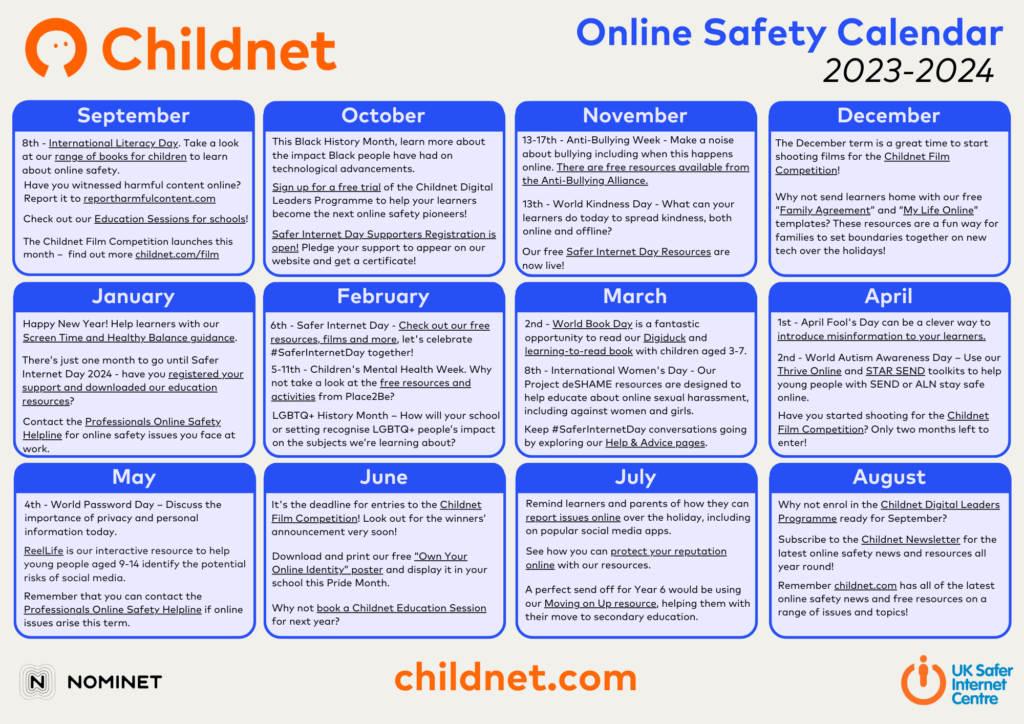
Online Safety Calendar
Our annual ‘Online Safety Calendar’ offers you engaging ways of incorporating online safety advice into the curriculum.
Teaching about healthy online relationships (SEND)
Teaching resources including video on healthy relationships online for young people with Special Educational Needs and Disabilities aged 11-17 years old.
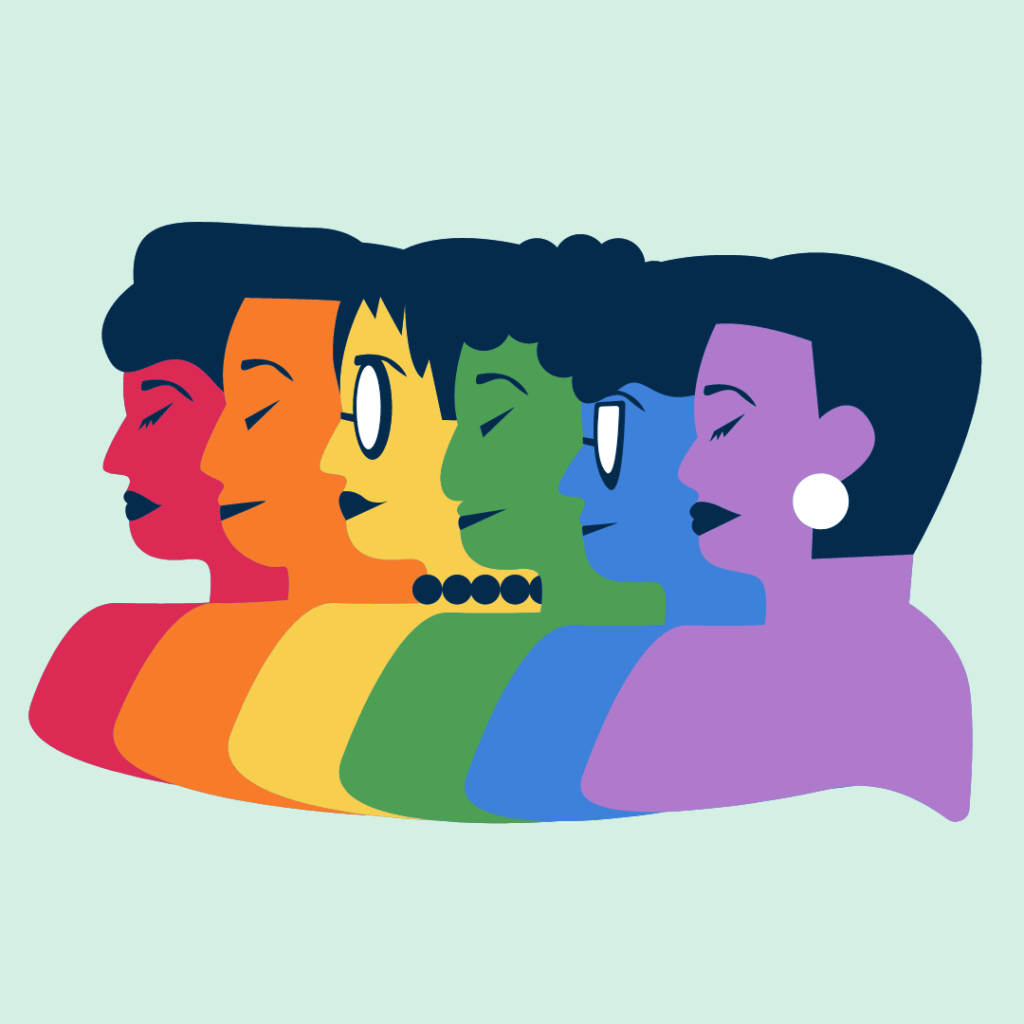
"Own Your Online Identity" LGBTQ+ Poster
A poster for Pride Month for those working with young people to display in their school or youth group.

SMART Video Lessons
Six easy-to-follow videos on key online safety messages for parents, carers and professionals to watch together with children aged 6-9 years old.
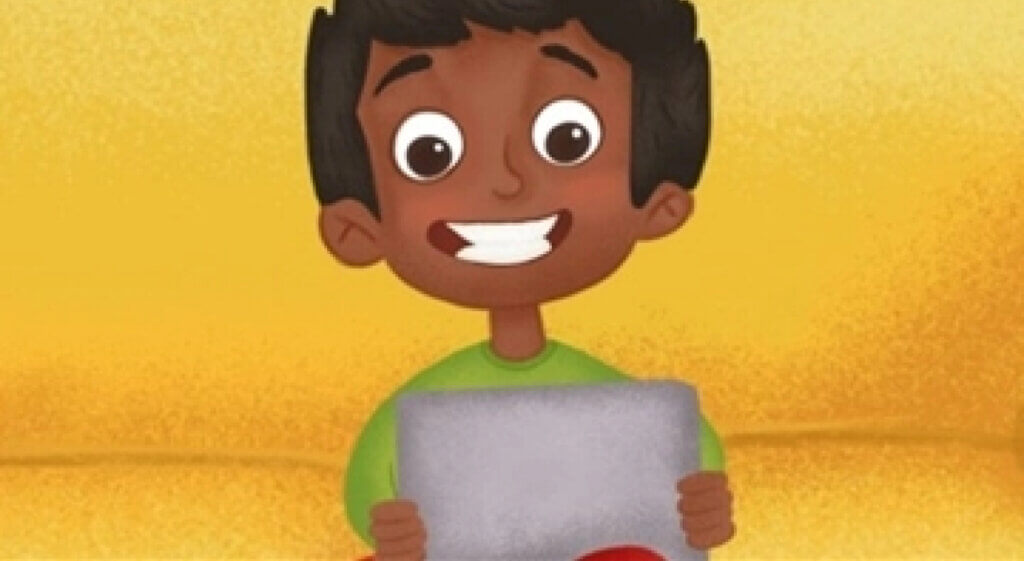
A learning-to-read book
A story for children aged 4 and above to share with an adult about being 'on the internet'.
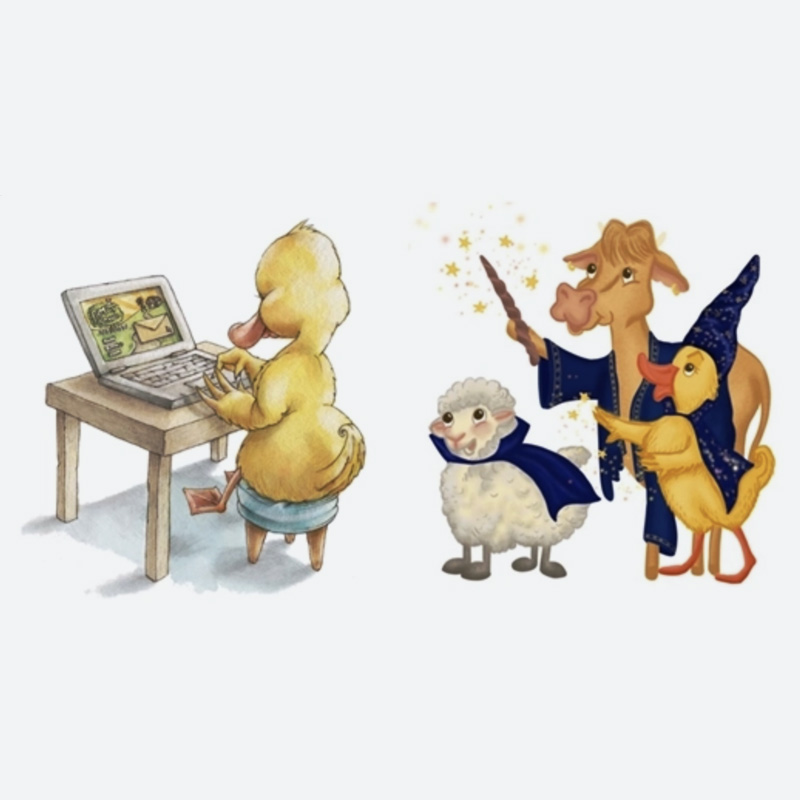
Digiduck Stories
A collection of five stories created to help parents and teachers educate children aged 3–7 about online safety, with accompanying teaching activities.
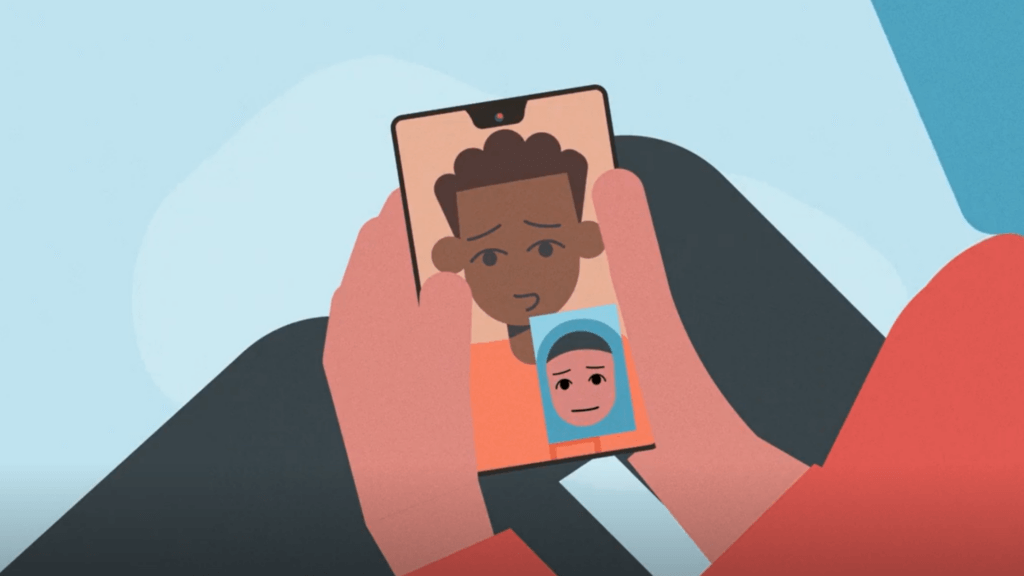
STAR SEND Toolkit
An online safety teaching toolkit for educators to deliver with young people aged 11-16 with special educational needs and disabilities.

Talk it over
Teaching activities to start empathetic, honest, and evidence-based conversations on online hate and how to tackle it with 13-17 year olds.